From your product
to the first scan.
A public product page, an experience inside the pack, or both. Here is what you need to set up.
Publish a page. Print its code.
Pack Identity shares product information anyone can open, before or after purchase.
Add your product
Enter its details and GTIN, upload images and documents, then preview and publish the page.
Put the QR on your packaging
Download the GS1 Digital Link QR code and print spec for your artwork. The same code can go on every pack of that product.
Shoppers open the page
A phone camera opens the product information directly. Your dashboard shows page opens by product.
A different code in every pack.
Pack Experience adds collections, optional promotions and loyalty after purchase.
Set up your experience
Add the products and brand styling. If you are running a promotion, set its prizes, countries, dates and terms.
Try it with test codes
Preview the pages and test the scan journey before launching.
Generate and print
Create the production codes and send the CSV or print-link export to your printer. Agree how to put a different code inside each pack.
Customers scan and collect
They sign in or create an account to collect a pack. They can choose to enter an available promotion. You follow collections, entries and redemptions in the dashboard.
The next pack
joins the same collection.
Customers return to their account, see their collected products and keep building their points or promotion progress.
Explore the use cases →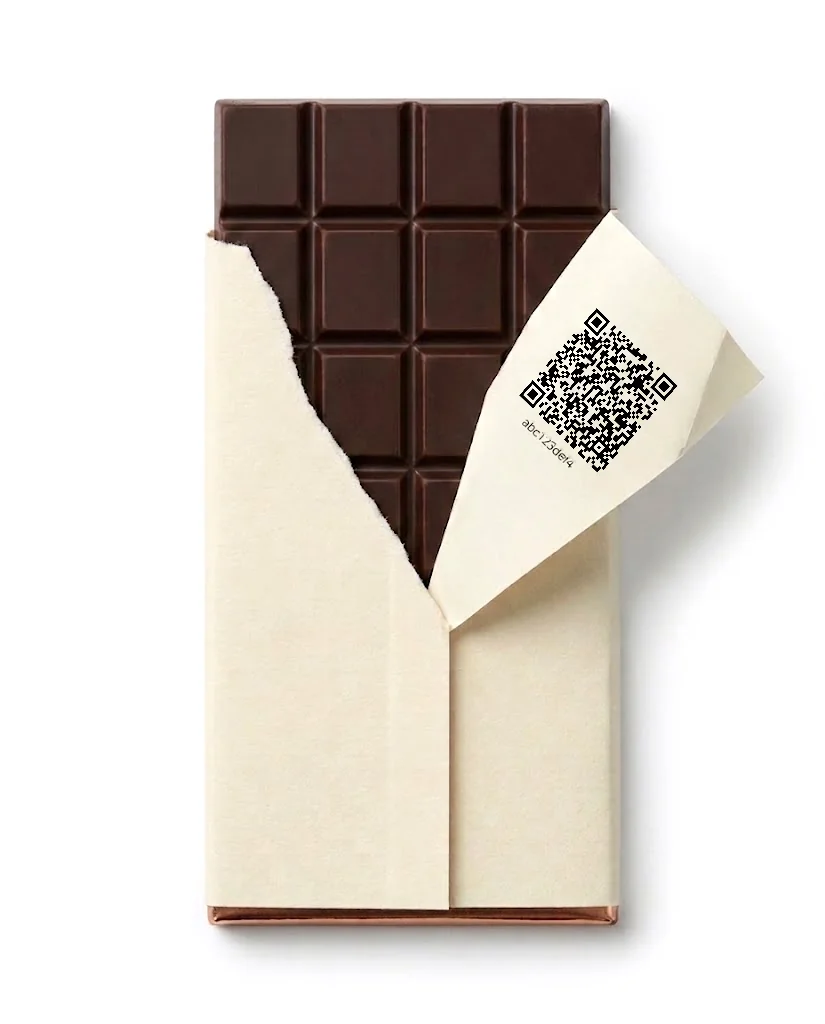

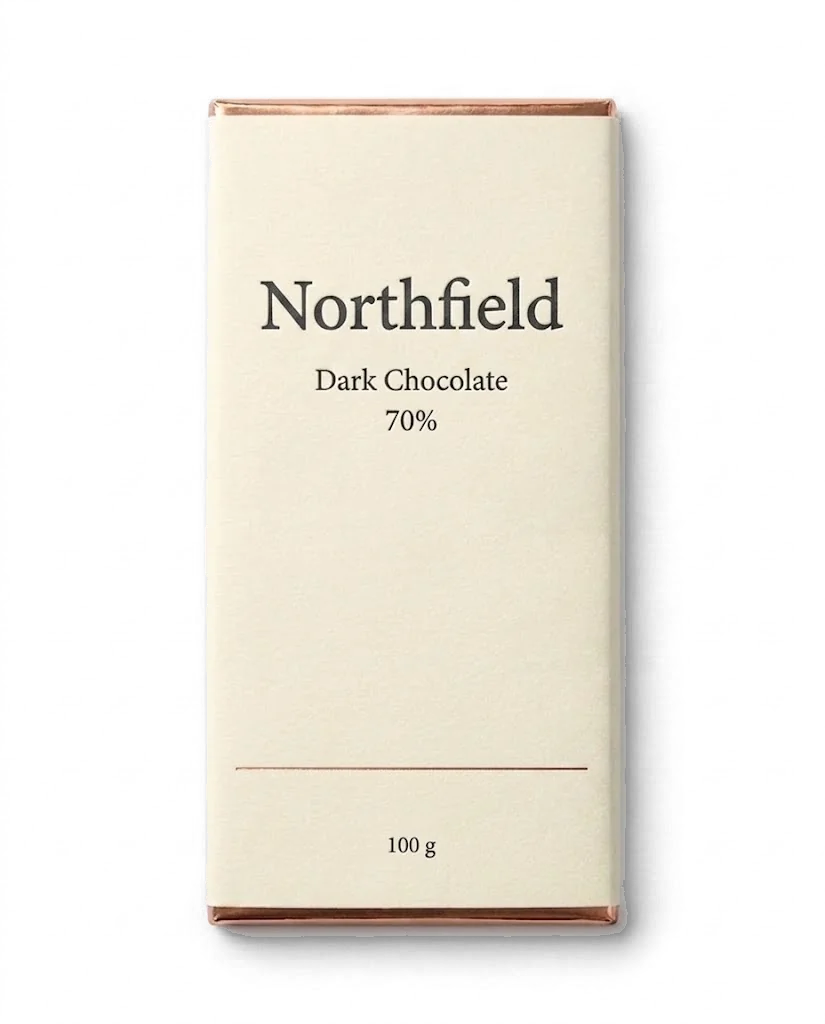
Dark Chocolate
Your pack is collected.
Try it with your own product.
14-day free trial. No credit card required.